Set defaults for new content
Defaults supply initial settings when you create content. Existing questions keep their settings, and later edits to one question do not affect others. To keep wording or settings shared between existing questions, use linked questions.
Choose the scope you want to change:
- For future projects: open Account settings → Edit Studio defaults from the account menu. These My defaults values are copied into new projects.
- For the current project: the project owner opens Settings → Edit project creation defaults. These Project defaults apply to content added in that project. Collaborators cannot change them. See Projects and versions for what belongs to a project.
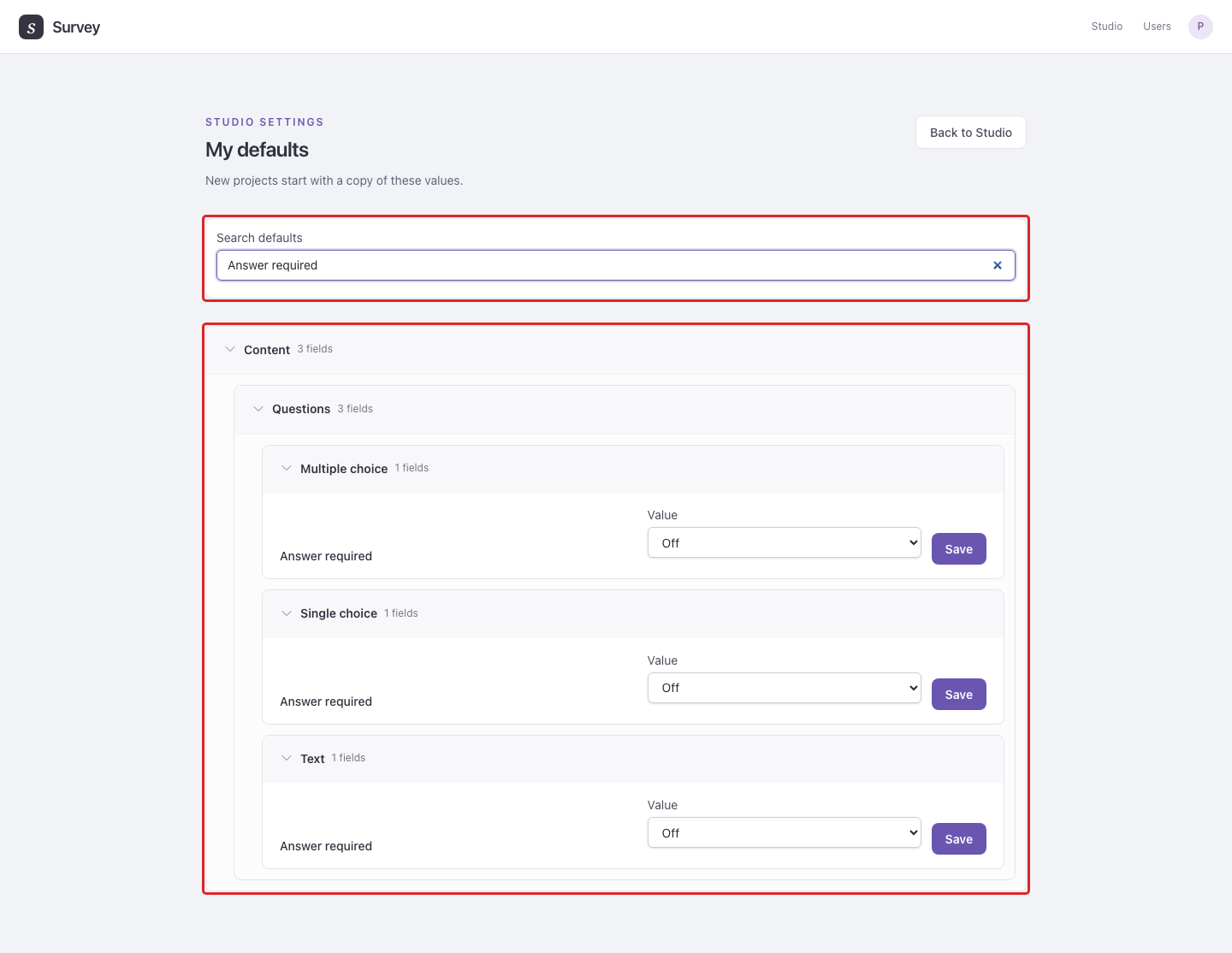
In either editor, use Search defaults to find a setting. Choose its Value, then select Save beside that field.
Example: search for Answer required and set its default before adding a series of questions. Existing questions keep their Required settings.