Publish and manage versions
Publishing creates a fixed version that participants can answer. Changes to a draft do not change an already published version.
Share a survey
- Test the draft. Review participant settings, session recording, and retention before collecting data. Recording starts automatically when participants open the survey, including before an in-survey consent answer.
- Select Publish. For the first publication, choose With new URL.
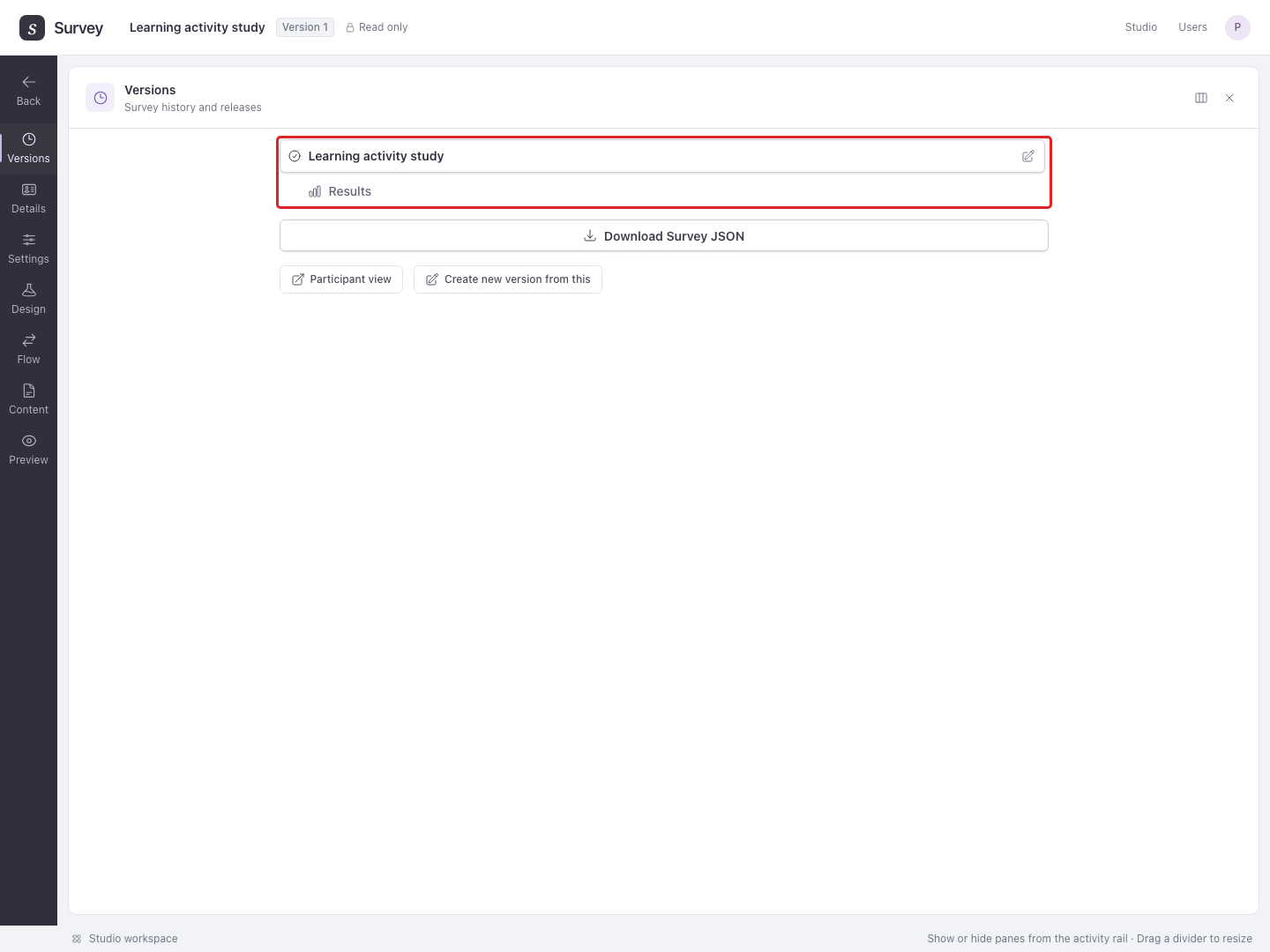
- Open Versions, select the published version, and use Participant view to open its public link. Share that link with participants.
Change a published survey
Select the published version in Versions, then Create new version from this. Edit and test the new draft, then publish it:
- Reuse URL sends new participants to the new version at the existing link.
- With new URL gives the new version a separate link. Existing links keep their previous published versions.
Participants with saved answers stay on their original version when you reuse a URL. Results remain separate for each version.
Resuming progress uses the saved browser session. Opening a link in another browser starts a separate session; a participant ID in the URL does not join the two sessions.
Example: You correct a question during recruitment. Reuse the URL so new arrivals receive the correction while people who have already answered can finish their original version.
Restart older sessions
If older sessions exist at a publication's URL, Versions offers Reset older sessions. This discards their saved progress so their next visit starts on the current version. It can interrupt people taking the survey. Completed responses and sessions at other URLs are preserved.
Use the pencil beside a version name to give it a useful label, such as “Pilot” or “Main study”. Download Survey JSON exports the selected version's design; see projects and imports. Open a published version's Results to download responses.
End data collection
Studio currently has no control for pausing, closing, or reopening recruitment while retaining the published version and all its data. Stopping recruitment or removing a shared link does not deactivate copies of that link.
Automatic PII deletion closes its version when deletion succeeds, and project deletion closes the project's publications. Both also delete or schedule deletion of data; they are not pause controls. Restoring a project does not reopen its publications. To collect responses again, restore the project if needed, create a new draft version, review its PII deadlines, and publish it With new URL.