Organize pages and groups
A page holds the questions and information shown together on one screen. A group organizes pages and other groups. Participants move through pages; group names help you organize the editor.
Add and arrange content
- Open Content. Choose Show groups if group cards are hidden, then Add page or Add group at the level where it belongs.
- Give it a name you will recognize, such as
ConsentorFollow-up. - Add questions inside pages. Add pages or subgroups inside groups.
- Select a page or group in Pages & groups to work on it. The path above the content lets you return to its parent group.
- Use a page or group's arrow button (Move page or Move group), choose its destination, then Move here. For a question, use Move question to choose another page. Use Reorder items to change sibling order. The separate three-dot actions menu offers Duplicate and Delete.
Hide groups simplifies the Content view; Show groups brings the group cards back. This changes your editor view, not the participant survey.
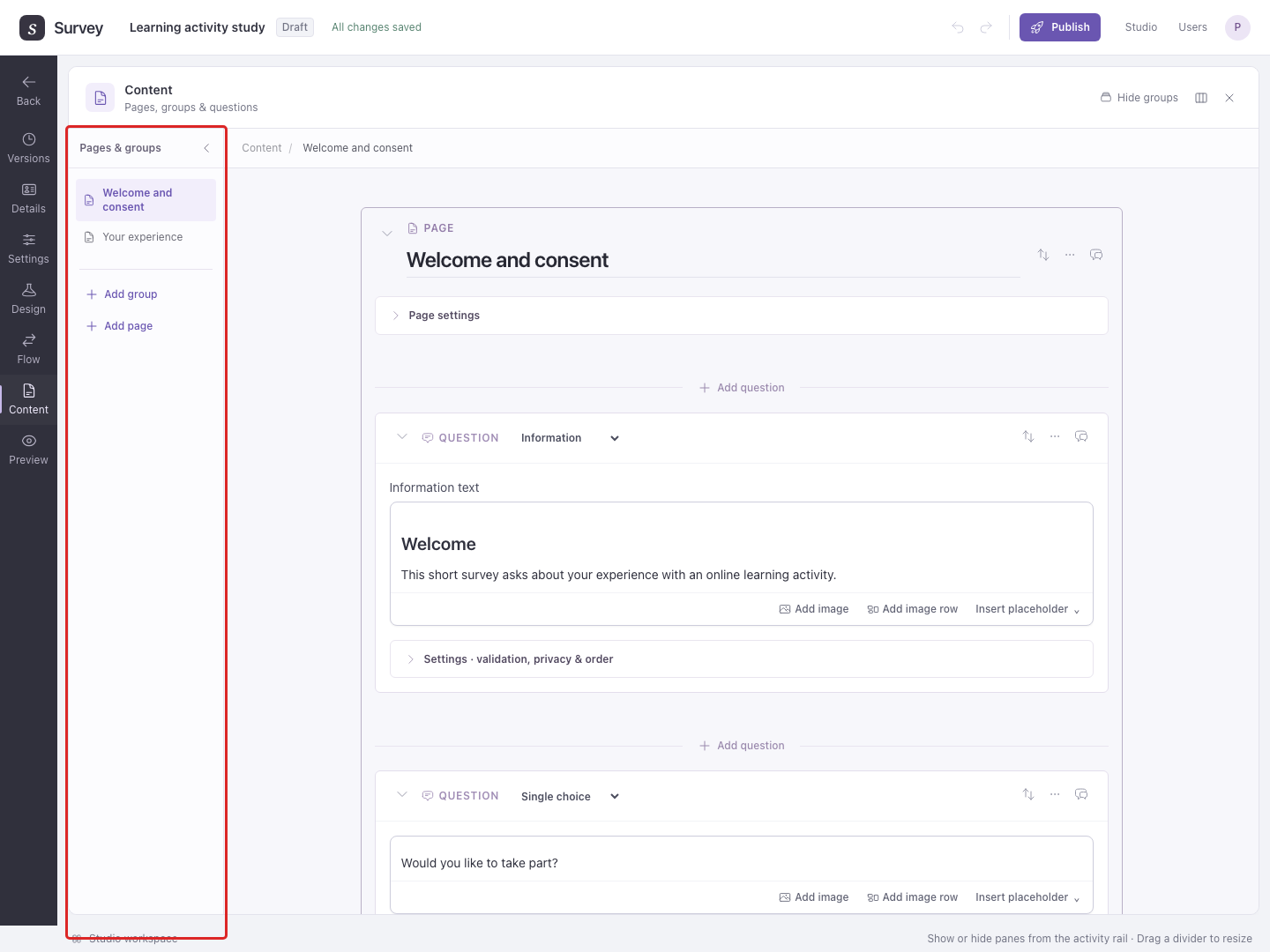
Example: consent, questions, and follow-up
Create a page called Consent, then a group called Workshop feedback. Put two pages inside that group: Ratings and Comments.
To create them inside the group, open Workshop feedback and use its Add page control twice. If you already created a page elsewhere, choose its Move page arrow button and select a destination inside Workshop feedback.
Keep questions together on a page when participants should see them at the same time. Use separate pages when you want a deliberate Next step between them.
Open Flow when you need to show a page only after a particular answer, repeat content, or end a path early. Content defines what is available; Flow determines what each participant reaches.
Moving an active page or group updates its corresponding placement in the other pane, keeping Content and Flow order aligned. Flow can additionally place it inside a branch or Loop. Review Flow after moving content, especially when Studio asks you to check an estimated placement. Creating content under a group that is not in Flow leaves that content inactive too.
Change the order participants see
Group settings controls page order within a group. Page settings controls question order within a page. You can shuffle items or show a random subset. See Randomize content for examples and fixed first or last items.