Format text and add images
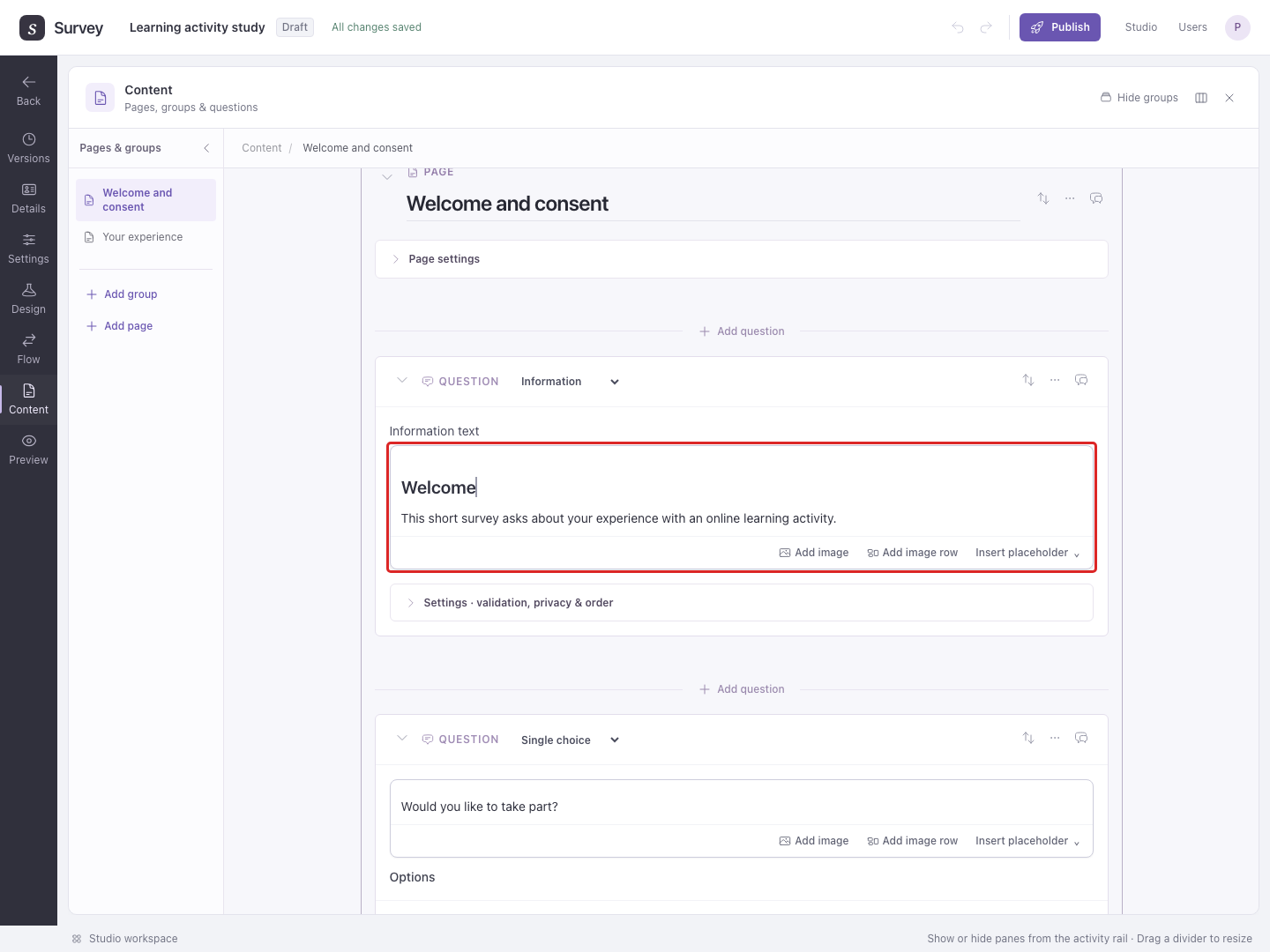
Use the rich-text editor for readable prompts, instructions, option labels, and completion messages. Select text to open its formatting controls.
Add an image
- Put the cursor where the image belongs.
- Choose Add image and select a PNG, JPEG, WebP, or AVIF file.
- Wait for Image inserted.
- Select the image to adjust its width and alignment, write alternative text, or add a caption.
- Check it in Preview, including at a narrow screen width.
Alternative text describes the relevant information for someone who cannot see the image. A caption appears below the image.
Choose Add image row to place two to four images beside one another. Use a row, for example, when participants should compare two posters in the same question.
Example: insert two poster designs, give them the captions Poster A and Poster B, then ask a Single choice question with those same labels. Include enough description for participants to understand the choice without relying only on the pictures.
Insert a participant-specific value
Use Insert placeholder to insert a declared URL parameter, a calculated JavaScript result, or a study field into text. The button appears in the editor controls when values are available.
Example: show a calculated score.
- Follow JavaScript calculations to create a result named
total_score. - In Flow, place the page that will show the score after that JavaScript step, so the calculation runs first.
- In Content, add an Information item to that page. In its Information text editor, type
Your score isand leave the cursor at the end. - Choose Insert placeholder beside the editor, then choose
total_scorefrom the menu. - Run Preview from the beginning and continue to the score page. If the calculation returns
8, participants see Your score is 8.
A value inserted this way is filled in when the participant reaches the text. It differs from a Text question's Placeholder, which is a hint inside an empty answer field, and a template placeholder, whose local wording you set while editing.
See JavaScript calculations and Synchronized templates for those uses.